
FacebookInstagramXWhatsApp
ExpatSaudi
ExpatSaudi

معلومات موثوقة للمقيمين الذين يعيشون ويعملون في المملكة العربية السعودية.

الشركة

  • من نحن
  • اتصل بنا

التصنيفات

  • قانون العمل
  • التأشيرات والهجرة
  • تصريح الإقامة
  • العمل والتوظيف
  • الأسرة والمرافقون

المصادر

  • جميع المقالات
  • أدوات السعودية
  • أرقام الطوارئ
  • تطبيقات مفيدة

قانوني

  • سياسة الخصوصية
  • شروط الاستخدام
  • إخلاء المسؤولية

© 2026 URExpat. جميع الحقوق محفوظة.

الخصوصية·الشروط

الرئيسيةالمقالاتتصريح الإقامةHow to Check How Many SIM Cards Are Registered Under Your Iqama
تصريح الإقامةمحدّث1 دقيقة قراءة

How to Check How Many SIM Cards Are Registered Under Your Iqama

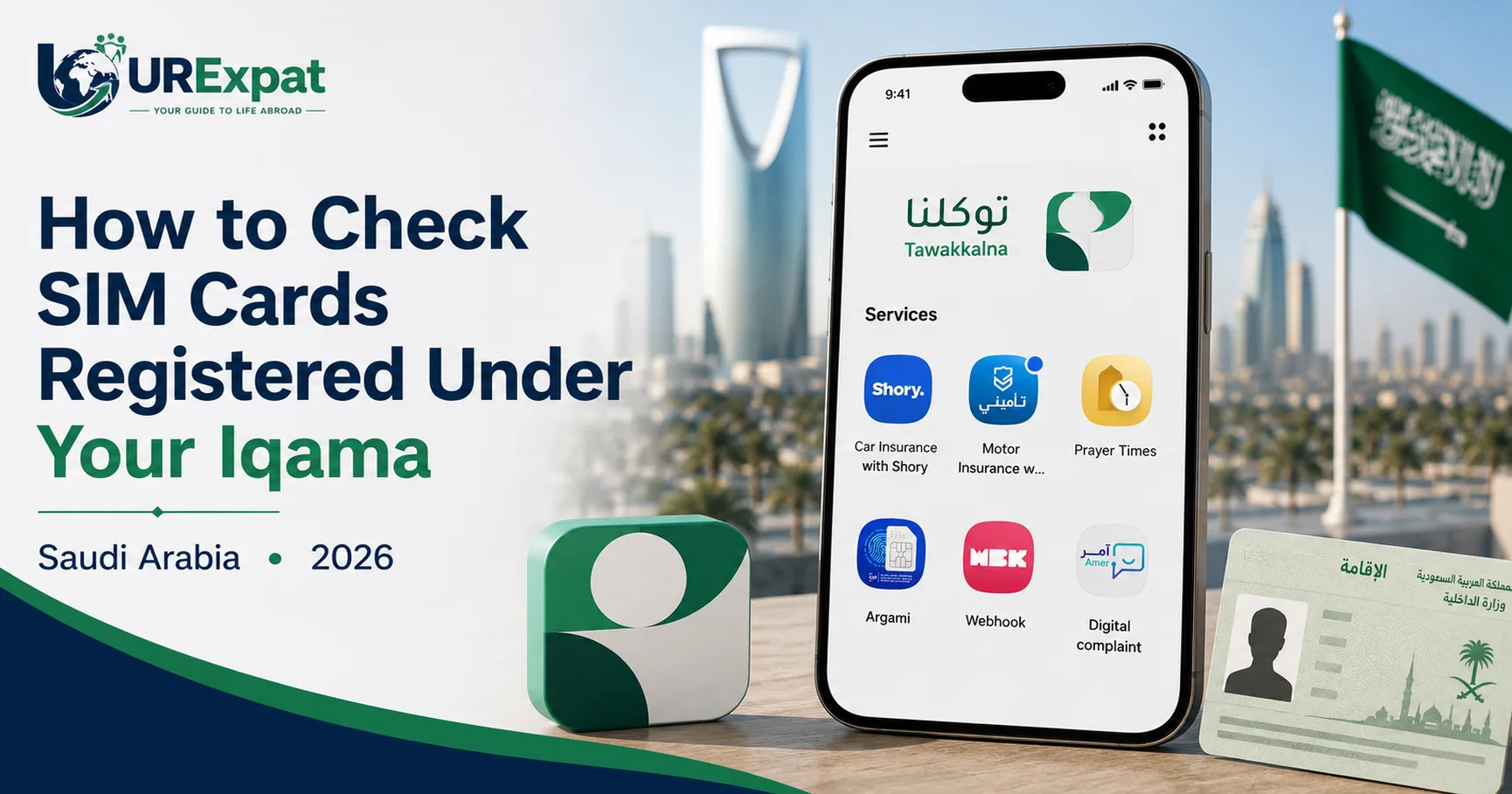
Saudi residents can check the SIM cards registered under their Iqama through Tawakkalna. Simply log in, open Services, and select Argami to view your registered numbers.

Devnex Logo

دیو نیکس

موثّق من الفريق

نُشر 18 أغسطس 2026 18 أغسطس 2026
Sim Check Image

محتويات المقال

How to Check SIM Cards Registered Under Your IqamaSteps to Check Your Registered SIM Cards1: Open Tawakkalna2. Enter Your Details3. Open Services4. Select Argami5. View Your Registered SIM CardsWhy Should You Check Your Registered SIM Cards?

How to Check SIM Cards Registered Under Your Iqama

If you want to know how many SIM cards are registered under your Saudi Iqama, you can check them through the Tawakkalna app.

The process is simple and only takes a few steps.

Steps to Check Your Registered SIM Cards

1: Open Tawakkalna

If you already have the Tawakkalna app installed, simply open it. If you don't have it yet, download and install it on your smartphone:

  • Android: Download Tawakkalna from Google Play
  • iPhone: Download Tawakkalna from the App Store

2. Enter Your Details

Log in using your mobile number and Iqama ID.

3. Open Services

After logging in, go to the Services section in the Tawakkalna app.

View all

4. Select Argami

Find and select Argami from the available services.
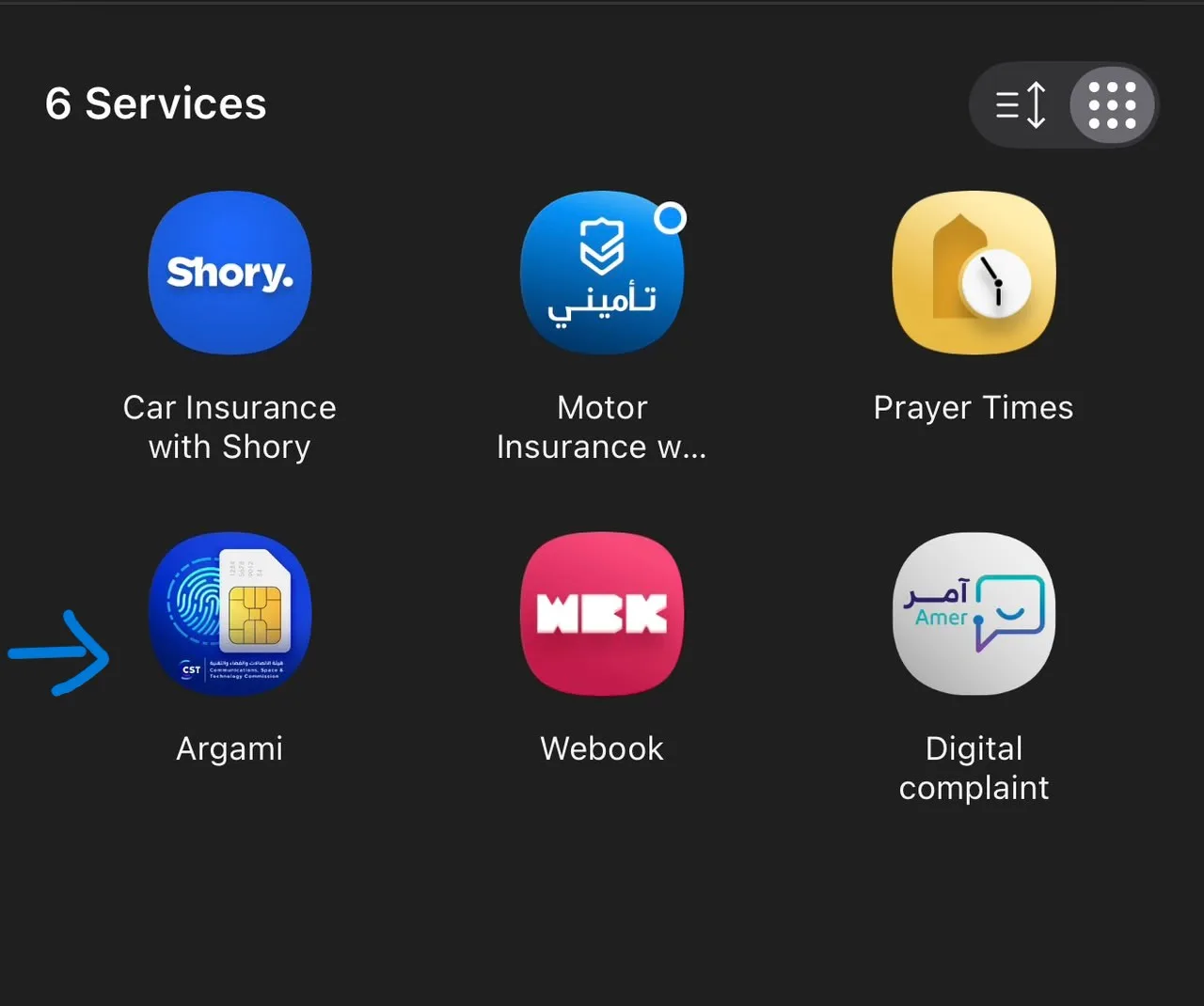
Select Argami

5. View Your Registered SIM Cards

The Argami service will show the mobile numbers and SIM cards registered under your Iqama.

You can use this service to check whether the numbers registered under your ID are familiar to you.

Why Should You Check Your Registered SIM Cards?

Checking your registered numbers can help you keep track of the SIM cards associated with your Iqama. If you notice a number that you do not recognize, you should contact the relevant telecom provider for assistance.

روابط المصادر الرسمية

CST — Inquire About My Numbers

شارك هذا المقال

ساعد الآخرين في الوصول إلى هذه المعلومات.

محتويات المقال

How to Check SIM Cards Registered Under Your IqamaSteps to Check Your Registered SIM Cards1: Open Tawakkalna2. Enter Your Details3. Open Services4. Select Argami5. View Your Registered SIM CardsWhy Should You Check Your Registered SIM Cards?

مقالات ذات صلة

كيفية إنشاء حساب أبشر في المملكة العربية السعودية

1 دقيقة قراءة

كيفية تفعيل حساب أبشر عبر نفاذ

1 دقيقة قراءة

كيفية التحقق من نوع وصلاحية وتفاصيل تأشيرة الخروج والعودة السعودية عبر الإنترنت (دليل 2026)

1 دقيقة قراءة